Software Updates on Twitter
Follow on Twitter for all the latest freeware updates and new utility announcements. I also tweet useful IT information and any interesting science and technology current affairs and news.

Portable freeware utilities for Windows.
Introduction
Welcome to the website of software, database and web developer Alex Nolan.
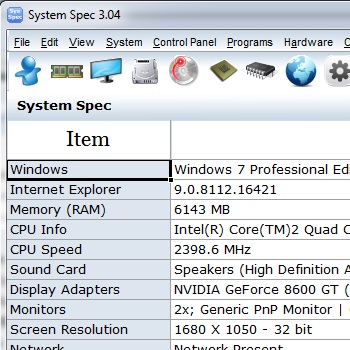
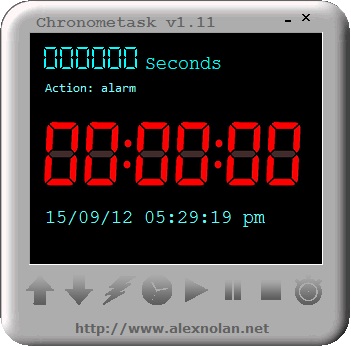
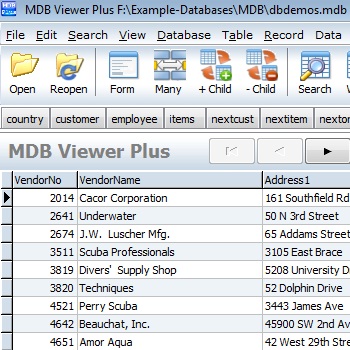
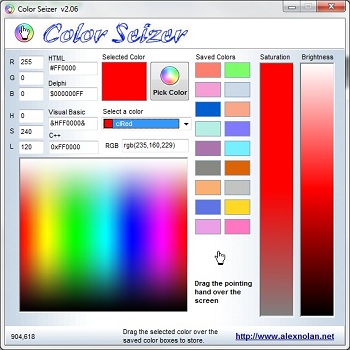
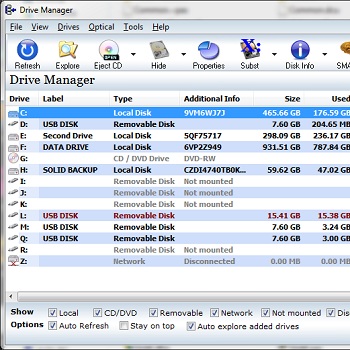
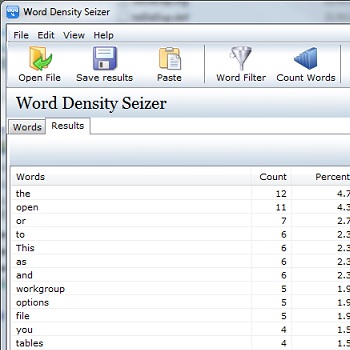
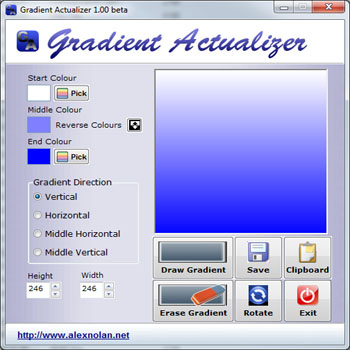
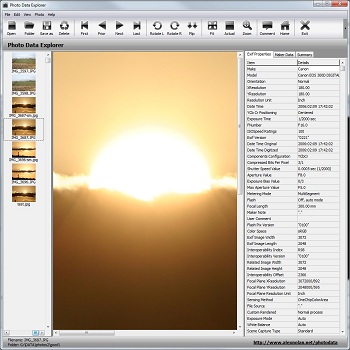
The website contains a collection of portable freeware utilities
which he has designed and engineered.
These utilities have been designed to be portable. This means that they can executed from removable
storage devices such as CD, DVD, Zip Disk, USB memory stick and other
USB mass storage devices. Being portable also means that these utilities
do not need to be installed. When you next update or reinstall Windows
you can simply copy a folder of portable utilities to your new
installation.
Another advantage of portable freeware is that it can be used on
workstations and servers without running into any licensing issues and
without worry about installation conflicts.